Prepare with permission
Record photography permissions and upload the views that help the consultation.
For independent skin clinics
Your photographs. Your professional observations. One beautifully considered consultation, with a clear plan for what comes next.
Interactive example. No signup required.

Observe carefully.
Explain clearly.
Plan together.
Built around the conversation
you have with your client.
Try the consultation
Tap an area of the face. See how an observation becomes an explanation, then a plan your client can revisit.
Preview only. The workspace supports your own name and uploaded logo.
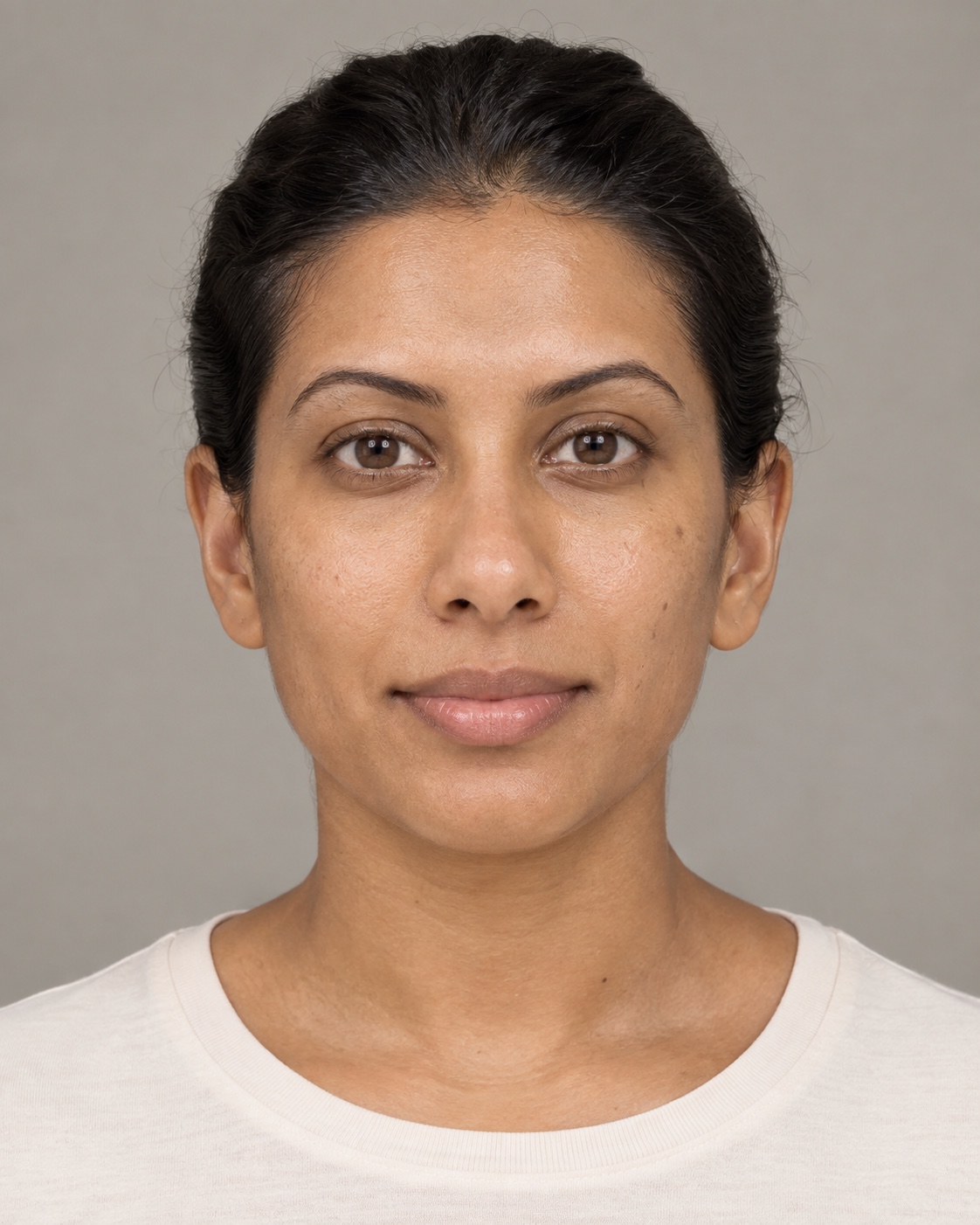
Same fictional image, two display conditions. This demonstrates why lighting must match; it is not a before-and-after result.
Original color · display tools do not create new detail.
AI-created person. No real client or clinical assessment.
Loading the fictional sample…
Educational visual mapping. Not a diagnosis, melanoma screen or prescription.
The consultation film
See how Dermalins keeps the source photograph, facial regions, practitioner explanation and next step in one visual record.
Fictional demonstration with genuine Dermalins screens. Captions are burned in and available through the player.
A record that continues
Keep the earlier conversation in view. Compare matched photographs and review what the client noticed between visits.
Record the source photographs, the client's priorities and what needs confirmation. This illustration does not establish a clinical baseline.
Workflow illustration only. No treatment outcome or improvement is being claimed.
Fits around your practice
DERMALAB gives the skin conversation its own considered space. Client details and photographs are entered separately; booking integrations are not currently available.
Spend a little longer with the sampleRecord photography permissions and upload the views that help the consultation.
Write observations, explain uncertainty and approve the report before it reaches the client.
Clients with private access can revisit approved reports and share follow-up updates.
For the way small clinics care
Exploring DERMALAB for your practice? Tell us a little about your clinic. We’ll review your request and share availability and proposed terms.
Early access is reviewed individually. Commercial plans are not open for self-service purchase. No account or subscription is created by this form.
A few things to know
No. It supports practitioner-led visual documentation. You enter and review findings. It does not provide automated diagnosis, melanoma screening or prescriptions.
Yes. DERMALAB is a separate consultation workspace. Booking synchronization and imports from other systems are not currently available; client details and photographs are entered or uploaded separately.
Clients with private access can view approved reports and use the follow-up workflow. Practitioner drafts remain separate. Invitations are shared manually by the practice.
Your practice name and logo can appear in reports. The sample lets you preview a clinic name and monogram; it does not change your live practice.
Commercial plans are not open for self-service purchase yet. Request early-access details to learn about availability and proposed terms before making any commitment.
The workspace uses private accounts, practice-scoped permissions and encrypted clinical text and image files. Clinical decisions remain with the treating professional. The public sample uses fictional content only.